How to use Android Auto without turning off your VPN
Engadget
Published
1
1
How to use Android Auto without turning off your VPN
Read the full story at EngadgetOriginal

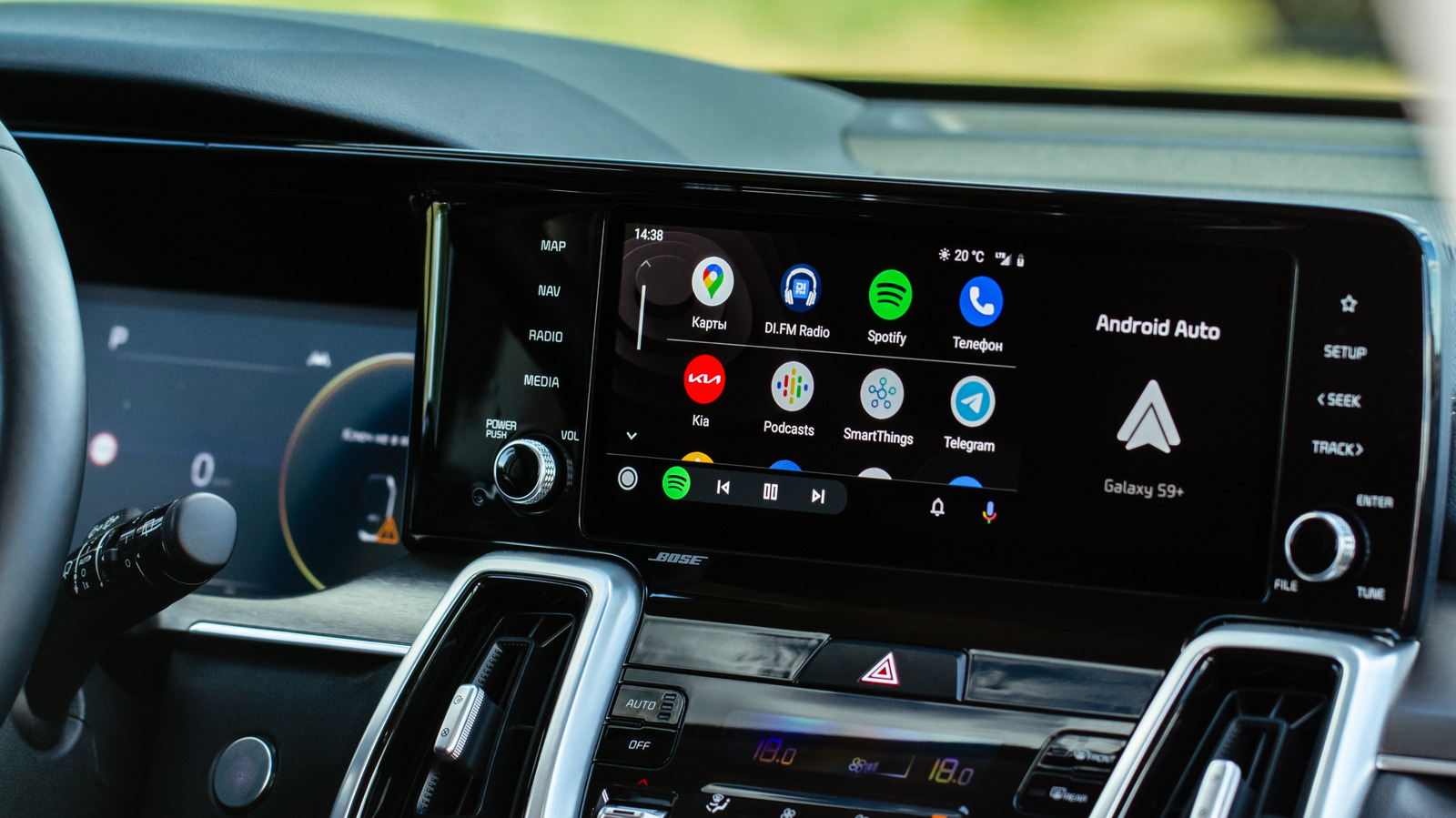
A VPN might compromise your Android Auto experience at first, but there are some easy workarounds.

Related Markets

All Markets
View full chart →
View Full Chart

Market data may be delayed. Not financial advice.

Reader Reactions
The Story At A Glance
  • • Android Auto often fails when a VPN is active because wireless connections require local network communication.

  • • Using a USB cable provides the most reliable connection by bypassing Wi-Fi discovery issues.

  • • Split tunneling or disabling the VPN kill switch allows Android Auto to function while maintaining encryption for other data.
Context
Users face technical conflicts between the privacy protections of a VPN and the local network requirements of wireless Android Auto. This necessitates manual configuration of split tunneling or hardware workarounds.

Christian Perspective
Maintaining digital privacy is a modern necessity for protecting the sanctity of the family and individual data from state or corporate overreach. Utilizing tools like VPNs allows believers to navigate a secular digital landscape while guarding their private communications.

Implications
As the digital world becomes more surveilled, the ability to maintain secure, private connections is vital for preserving individual liberty. Christians must master these technologies to ensure their homes and communications remain shielded from the prying eyes of a globalist digital infrastructure.

Broader Trends
The increasing complexity of digital privacy tools reflects a growing tension between individual autonomy and the centralized control sought by tech giants. This struggle mirrors the larger battle for sovereignty against a technocratic elite that uses data to manipulate the populace.

Takeaway

What is your reaction to this story?

Reader Reactions

Want to join the conversation about this story?

Join our community at Gab.com

Alto is powered by

Gab AI

The one AI they can't control. Our exclusive AI model trained to uphold Christian values and traditional principles in every interaction.


Support Alto & Gab

Alto is funded entirely by readers like you. Your donation helps us continue delivering curated news from a right-wing Christian Nationalist perspective, powered by Gab AI.

Gab Shop

Support free speech with official merchandise

View All Products

Install Alto on Your Phone

Add Alto to your home screen for quick access to breaking news — no app store required.

iPhone & iPad

Using Safari Browser

1

Open alto.gab.com in Safari

alto.gab.com
2

Tap the Share button

at the bottom of Safari
3

Tap "More"

More
4

Scroll and tap "Add to Home Screen"

Add to Home Screen

Tap "Add" to confirm

Alto will appear on your home screen like any other app!

Android

Using Chrome Browser

1

Open alto.gab.com in Chrome

alto.gab.com
2

Tap the menu button

three dots in top right
3

Tap "Add to Home screen"

Add to Home screen

Tap "Add" to confirm

Alto will appear on your home screen like any other app!
gab

Speak Freely

Join millions on the original and only true free speech social network.

What Makes Gab Different

We're not just another social network. We're a platform built on principles that matter.

Freedom of Speech & Reach

All First Amendment protected speech is welcome. No algorithmic throttling or shadow banning.

Family-Friendly Platform

We maintain a clean environment. Explicit adult content is strictly prohibited.

Western Nations Only

Third-world IPs are blocked. No scammers, no spam farms. Built for Western civilization.

Funded By Users

Our users are our investors and customers. You're not the product being sold.

Battle Tested

A decade of standing strong. Banned from app stores, banks—and still here.

American Owned & Operated

We reject foreign censorship demands. Built by Americans, for free people.

