Here's how to pair your Roku remote
Engadget
Published
1
1
Here's how to pair your Roku remote
Read the full story at EngadgetOriginal

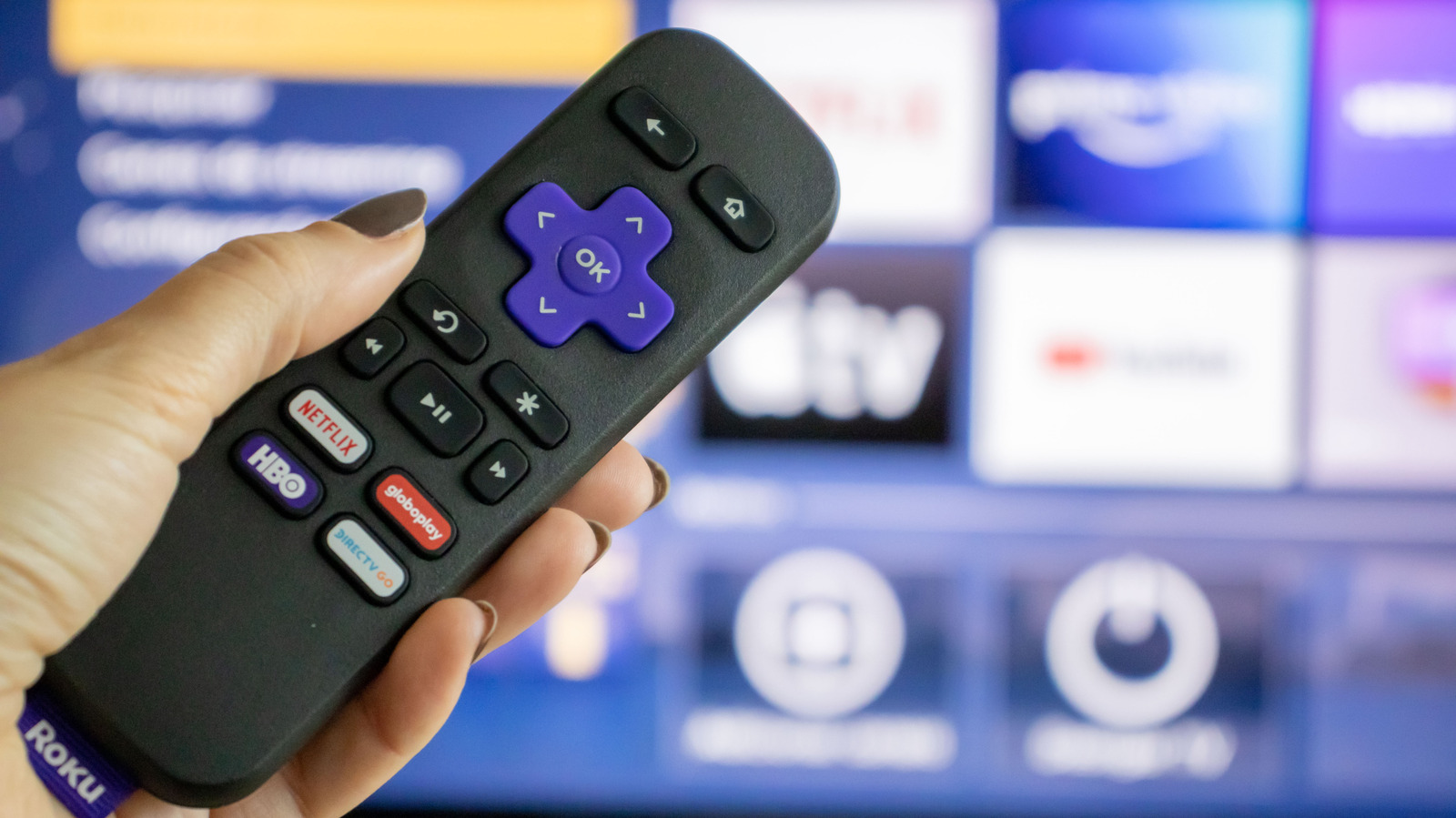
If you've reset your Roku remote or got a new one and need to manually pair it, these are the steps to take.

Reader Reactions
The Story At A Glance
  • • Users can pair Roku remotes manually via a dedicated pairing button or by holding the Back and Home buttons.

  • • Troubleshooting involves restarting the device by unplugging the power cord for at least five seconds.

  • • The Roku mobile app or a secondary remote can facilitate pairing through the device settings menu.
Context
Roku remotes vary between wireless voice models and simpler line of sight versions. Pairing is necessary after resets, battery changes, or when using replacement hardware.

Christian Perspective
Technology should serve the family unit by facilitating access to wholesome content within the home. Maintaining control over one's domestic tools is a small but necessary part of exercising stewardship over the household.

Implications
As digital platforms become more complex, the ability to manage one's own hardware preserves individual autonomy. This prevents total reliance on centralized tech corporations that may attempt to gatekeep information.

Broader Trends
The shift toward software dependent hardware reflects a broader trend of diminishing individual control in favor of corporate ecosystems. This centralization often aligns with globalist efforts to monitor and influence private domestic life.

Takeaway
Master your tools to ensure your home remains a sanctuary of traditional values. Use technology to strengthen the family bond rather than allowing it to become a source of distraction or external control.

What is your reaction to this story?

Reader Reactions

Want to join the conversation about this story?

Join our community at Gab.com

Alto is powered by

Gab AI

The one AI they can't control. Our exclusive AI model trained to uphold Christian values and traditional principles in every interaction.


Support Alto & Gab

Alto is funded entirely by readers like you. Your donation helps us continue delivering curated news from a right-wing Christian Nationalist perspective, powered by Gab AI.

Gab Shop

Support free speech with official merchandise

View All Products

Install Alto on Your Phone

Add Alto to your home screen for quick access to breaking news — no app store required.

iPhone & iPad

Using Safari Browser

1

Open alto.gab.com in Safari

alto.gab.com
2

Tap the Share button

at the bottom of Safari
3

Tap "More"

More
4

Scroll and tap "Add to Home Screen"

Add to Home Screen

Tap "Add" to confirm

Alto will appear on your home screen like any other app!

Android

Using Chrome Browser

1

Open alto.gab.com in Chrome

alto.gab.com
2

Tap the menu button

three dots in top right
3

Tap "Add to Home screen"

Add to Home screen

Tap "Add" to confirm

Alto will appear on your home screen like any other app!
gab

Speak Freely

Join millions on the original and only true free speech social network.

What Makes Gab Different

We're not just another social network. We're a platform built on principles that matter.

Freedom of Speech & Reach

All First Amendment protected speech is welcome. No algorithmic throttling or shadow banning.

Family-Friendly Platform

We maintain a clean environment. Explicit adult content is strictly prohibited.

Western Nations Only

Third-world IPs are blocked. No scammers, no spam farms. Built for Western civilization.

Funded By Users

Our users are our investors and customers. You're not the product being sold.

Battle Tested

A decade of standing strong. Banned from app stores, banks—and still here.

American Owned & Operated

We reject foreign censorship demands. Built by Americans, for free people.

