The CarPlay settings you may want to change after setting it up
The story
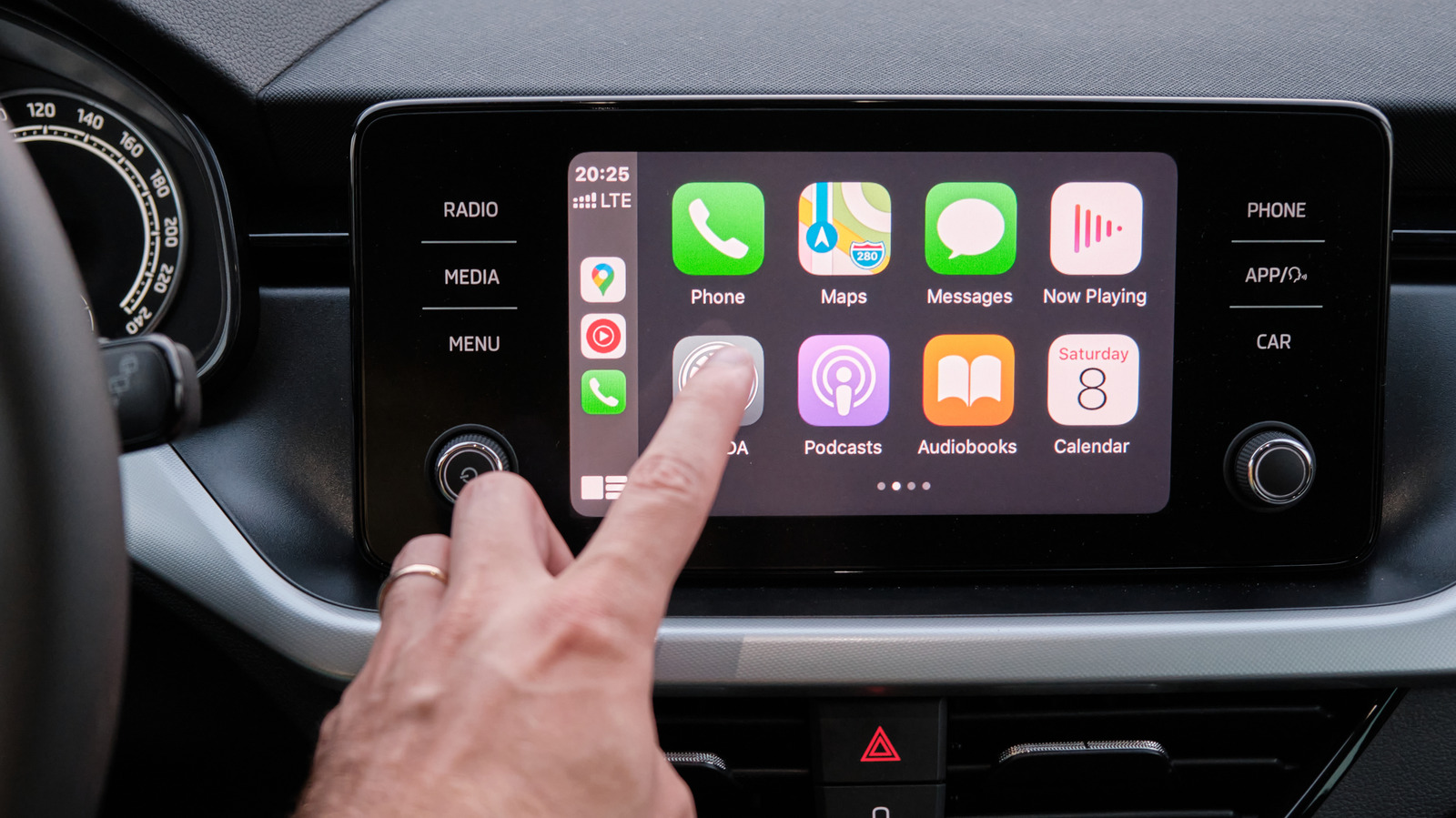
Apple's CarPlay works great with its default settings, but you can make a few changes personalized to your habits.
Powered by Gab AI
The Story At A Glance
Open the full breakdown on gab.ai
- • Apple CarPlay allows users to customize app layouts, wallpapers, and appearance settings.
- • Users can manage settings through both the iPhone interface and the vehicle dashboard.
- • Recent updates include enhanced widget support and improved GPS accuracy.
Apple is increasing the level of personalization and integration between iPhones and vehicle systems. This shift focuses on giving users more control over their digital driving environment.
Christian Perspective
Technology should serve the user and promote order rather than distraction. Using settings to reduce notifications through Driving Focus aligns with the need for focus and stewardship of one's attention.
Implications
The push for constant digital connectivity can erode the sanctity of the family time spent in a vehicle. Customizing interfaces to minimize clutter helps maintain a sense of order and prevents the chaos of excessive notifications.
Broader Trends
The trend toward hyper-personalization reflects a broader cultural shift toward individualism. This digital fragmentation can further isolate individuals from shared communal experiences.
Takeaway
Prioritize settings that minimize distractions to maintain focus on your responsibilities and family. Use these tools to create an orderly environment that supports a disciplined lifestyle. Avoid the trap of endless digital stimulation that leads to mental decadence.
Want to join the conversation about this story?
Join our community at Gab.com→
Gab AI
The one AI they can't control. Our exclusive AI model trained to uphold Christian values and traditional principles in every interaction.



