Show HN: Abralo – Free, easy way to run several Claude Code agents in one window
The short version
- Have given one an email account so it can research business leads, draft emails, fact-check them and clear them with me before sending (works really well by the way).
- I also tend to have a few Claude Code agents running at any one time for coding.
- I used to create a split terminal to manage them from there, but found working in the terminal all day pretty depressing and, more importantly…
- I tried Anthropic's VS Code Claude Code extension and it had a great UI (more info on Claude Code's process and easier to read)…
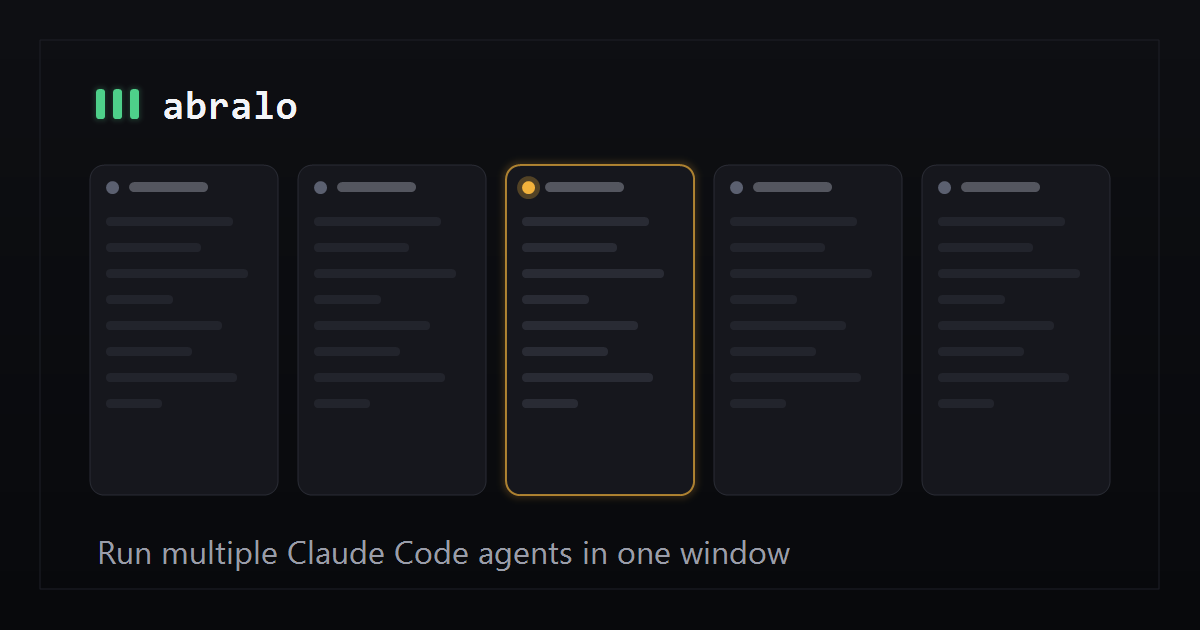
- So I built a lightweight Tauri desktop app which lets you run multiple Claude Code agents in one window alongside each other.
The story
Hi guys,
I've been using Claude Code for almost everything lately. Have given one an email account so it can research business leads, draft emails, fact-check them and clear them with me before sending (works really well by the way). I also tend to have a few Claude Code agents running at any one time for coding.
I used to create a split terminal to manage them from there, but found working in the terminal all day pretty depressing and, more importantly, found it hard to follow Claude Code's process and see which agents needed my immediate attention.
I tried Anthropic's VS Code Claude Code extension and it had a great UI (more info on Claude Code's process and easier to read), but it crashed my PC when I ran more than 3 and I couldn't watch multiple agents in parallel (had to constantly switch between them).
So I built a lightweight Tauri desktop app which lets you run multiple Claude Code agents in one window alongside each other. It's easier to read the output and see which agents need your attention than a terminal.
Have been using this all day everyday instead of an IDE and have obsessed over every detail to make sure it's easy-to-use, but also lightweight and fast (so you can manage multiple agents without your PC crashing).
There are some nice features like better usage alerts for when you're going to hit your 5-hour and weekly limits (with sparklines to show when usage peaked, and which agents are the most token-intensive).
It's free to use (you just need to log in with your existing Claude Code account) for up to 4 agents simultaneously. This app doesn't store your Claude Code account details and doesn't store any of your interactions with Claude Code. They remain between you and Anthropic. It's compatible with Windows, MacOS and 64-bit Linux.
Would really appreciate any feedback, so if you have any thoughts, issues or suggestions please let me know.
Thanks, Chris
Comments URL: https://news.ycombinator.com/item?id=48832797
Points: 4
# Comments: 2
Related Markets
All MarketsMarket data may be delayed. Not financial advice.
Powered by Gab AI
The Story At A Glance
Reading this article now — analysis appears below
💡 AI analysis provides alternative perspectives on current events



